Script in.
Voiceover out.
Try it right here — no sign-up, no mic.
Prefer your phone? SpeakFile is on iOS and Android.
Welcome back to SpeakFile — today we're trying something new.
Sign up free to write your own scripts in any voice.
How it works
From script to clean audio
Your voice, on your iPhone.
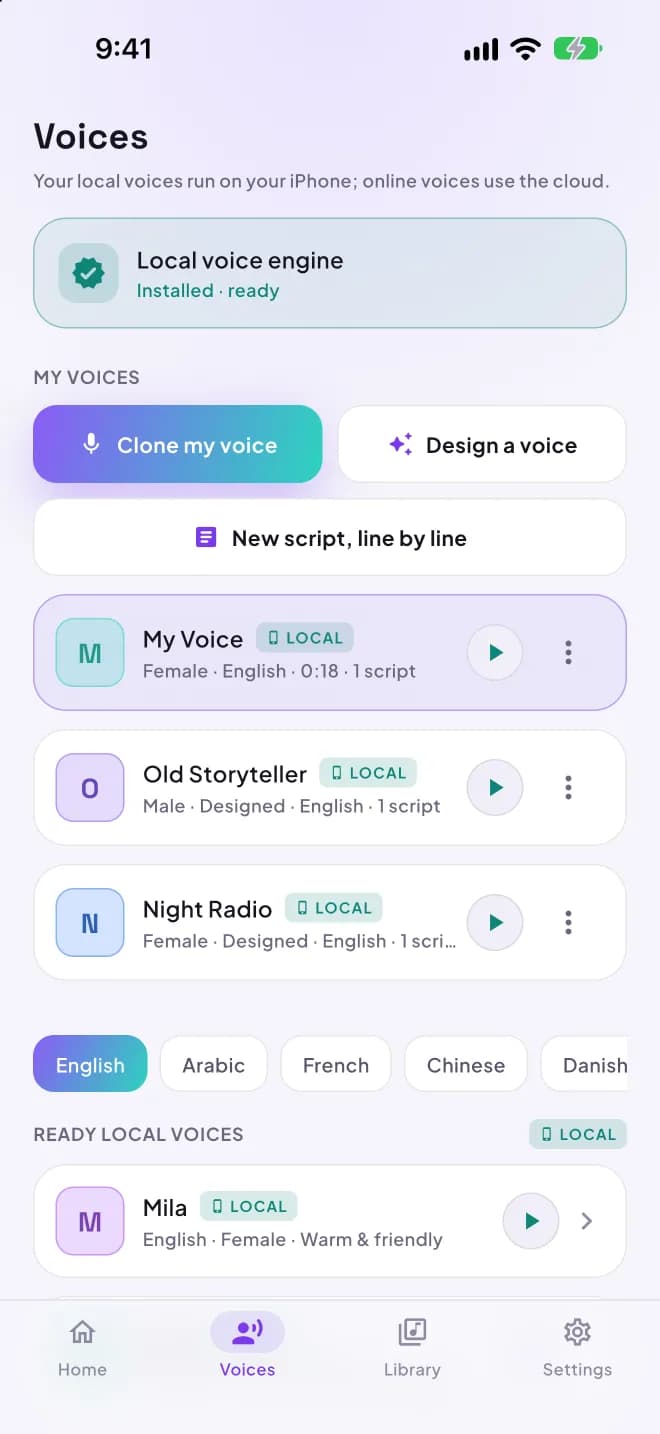
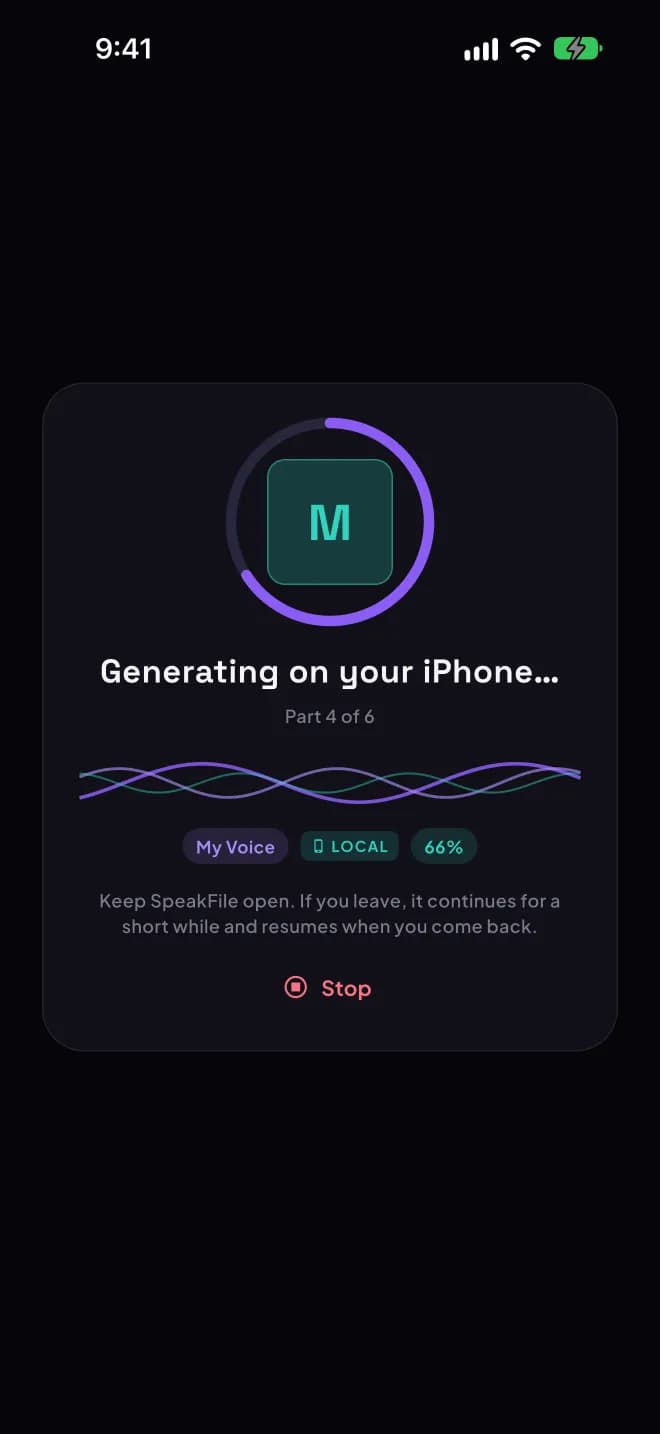
SpeakFile now ships an on-device AI voice engine. Clone your own voice or design a new one, and generate narration privately on the phone, even in airplane mode.
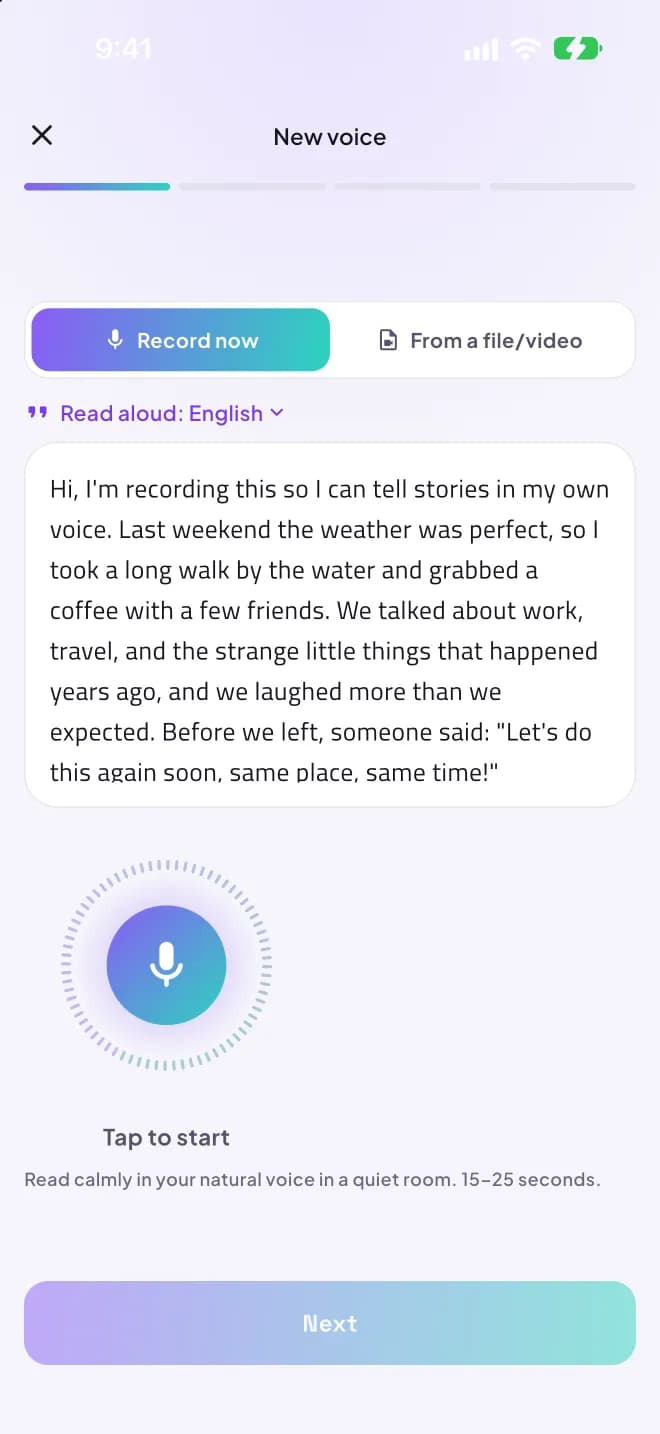
Clone your voice
Record 10–20 seconds, review it, confirm it's you, name it. SpeakFile reads any text in your voice.
Design a voice
Pick gender, age and character, shuffle variations, then tune expressiveness and stability.
Works offline
Voices render on the device itself, in 23 languages, with no connection needed.
Stays on your phone
Recordings, voices and scripts never leave the device. Only usage counts are synced.
On-device voices need 8 GB of memory: iPhone 15 Pro or newer, or an iPad with an M-series chip. Other devices, Android and the web keep the online voices.
How local voices work
- 1
Install once
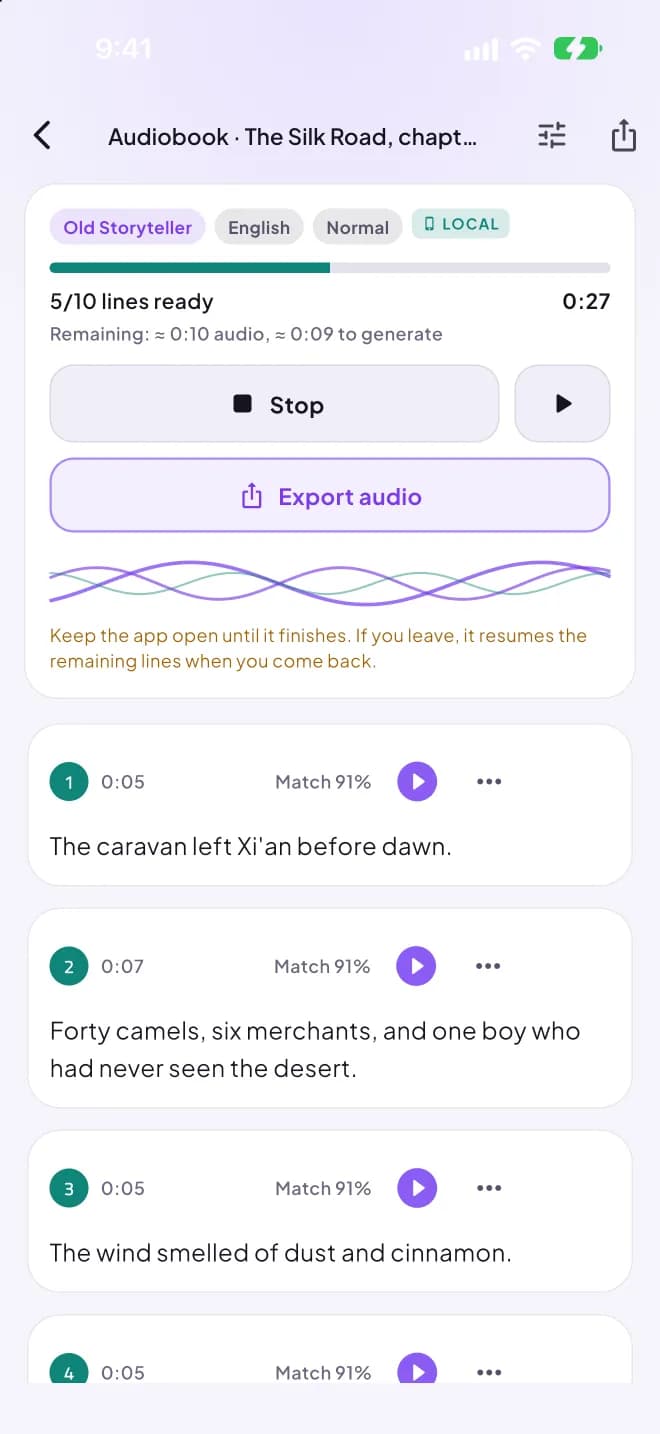
A one-time ~1.9 GB download. It keeps going even if you leave the app.
- 2
Clone or design
Make your own voice in a 4-step wizard, or start from a ready voice.
- 3
Paste a long script
A chapter, a lesson, a full ad. It's split and generated line by line.
- 4
Redo a line, export
Fix any single line, then export WAV or M4A with .srt subtitles.
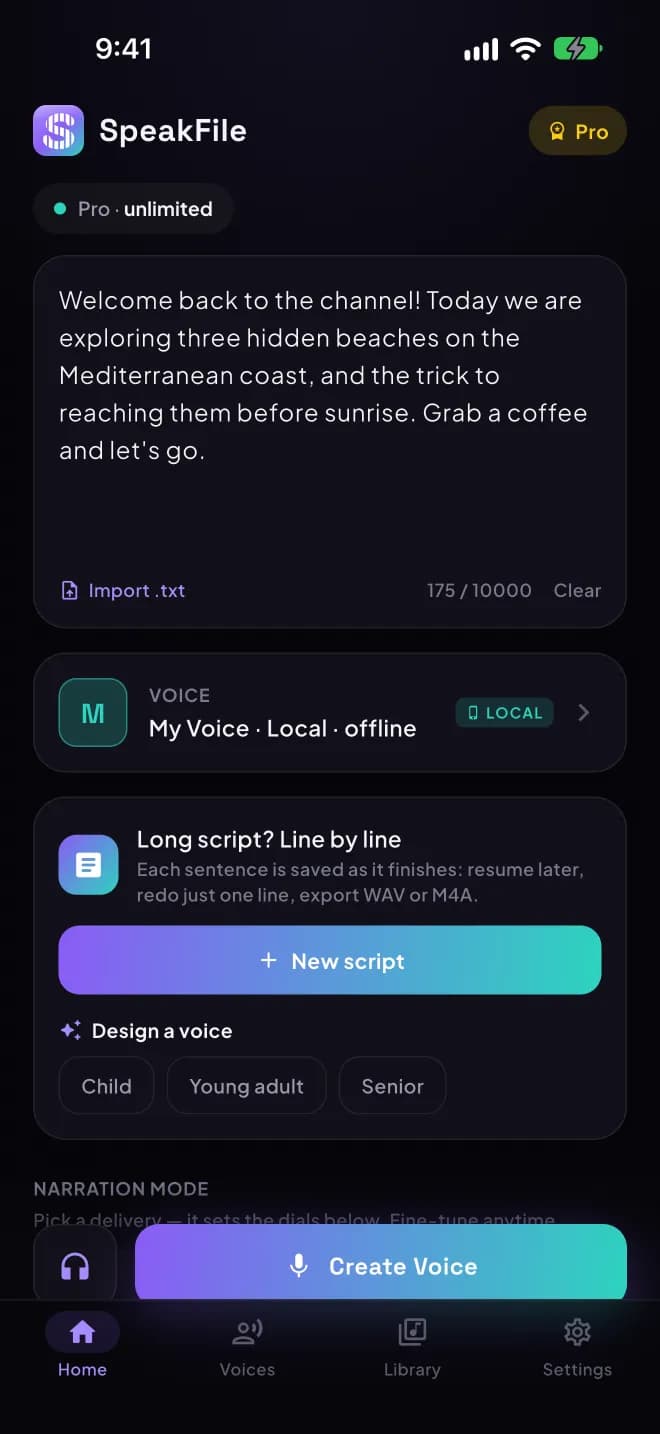
Inside the app
Light or dark, English, Arabic or French. On iPhone, iPad and iPhone Duo.
Made for creators
Voice cloning
Your own voice from a 20-second sample, on your iPhone.
Voice design
Build a voice from gender, age and character, then fine-tune it.
Long scripts
Chapters and courses, generated line by line, exported with subtitles.
23 + 8 languages
On-device voices in 23 languages, online voices in Arabic, English, French and more.
Narration modes
One tap for Storyteller, Ad, Announcer, Calm and more.
Fine-tune delivery
Dial in speed, tone, and pauses to taste.
Background ambience
Layer rain, wind, or cinematic beds under your voice.
Export & share
Download clean MP3s or share straight to your editor.
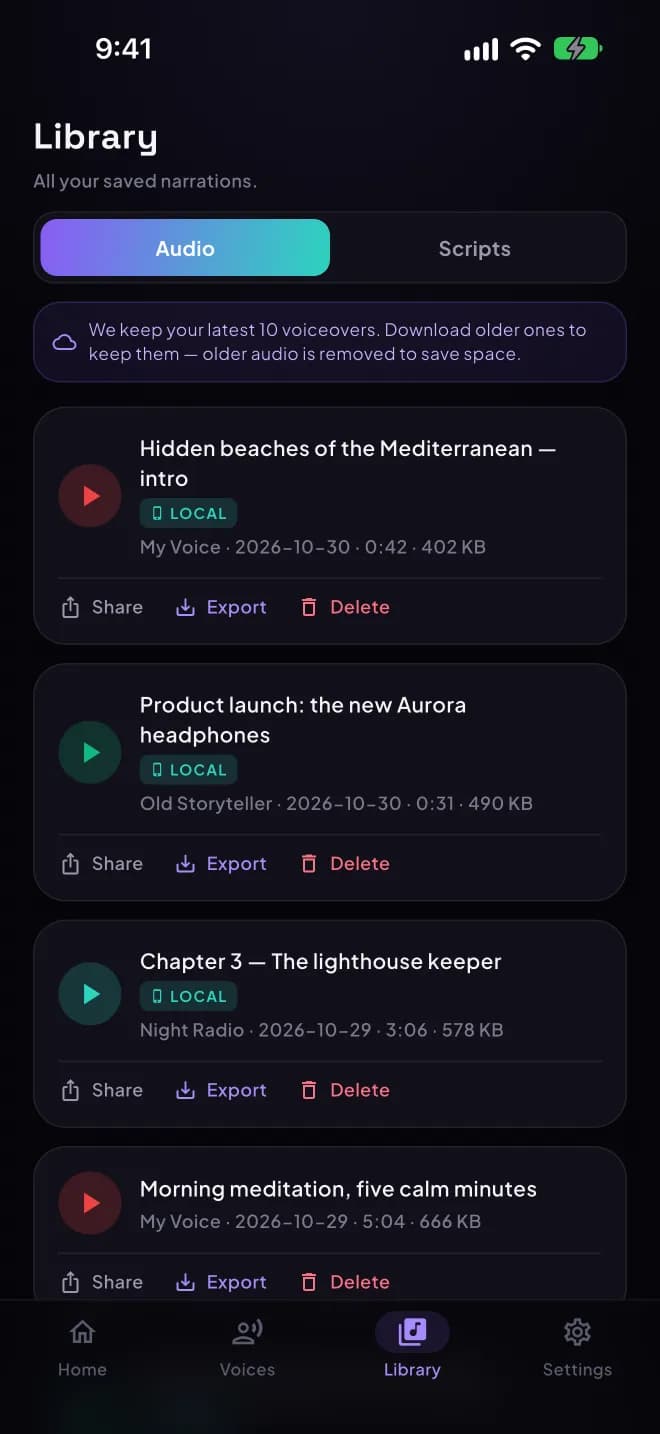
Saved history
Every voiceover kept and replayable in your library.
Simple pricing
Start free. Upgrade any time.
Pro Monthly
- 100 voiceovers / day
- Every premium voice
- Up to 10,000 characters
- No ads, no watermark
Pro Yearly
- Just $1.08 / mo · billed yearly
- Everything in Pro
- 48% off vs monthly
- Priority new voices
Your next voiceover is 30 seconds away.
Write a script, pick a voice, export an MP3.
Start free